How to Receive Orders on the Glow App
How to Receive Orders on the Glow App
Version: v1
Effective from: 05/08/2026
Applies to: Philippines (English version)
Issued by: Operations Team · Glow Philippines
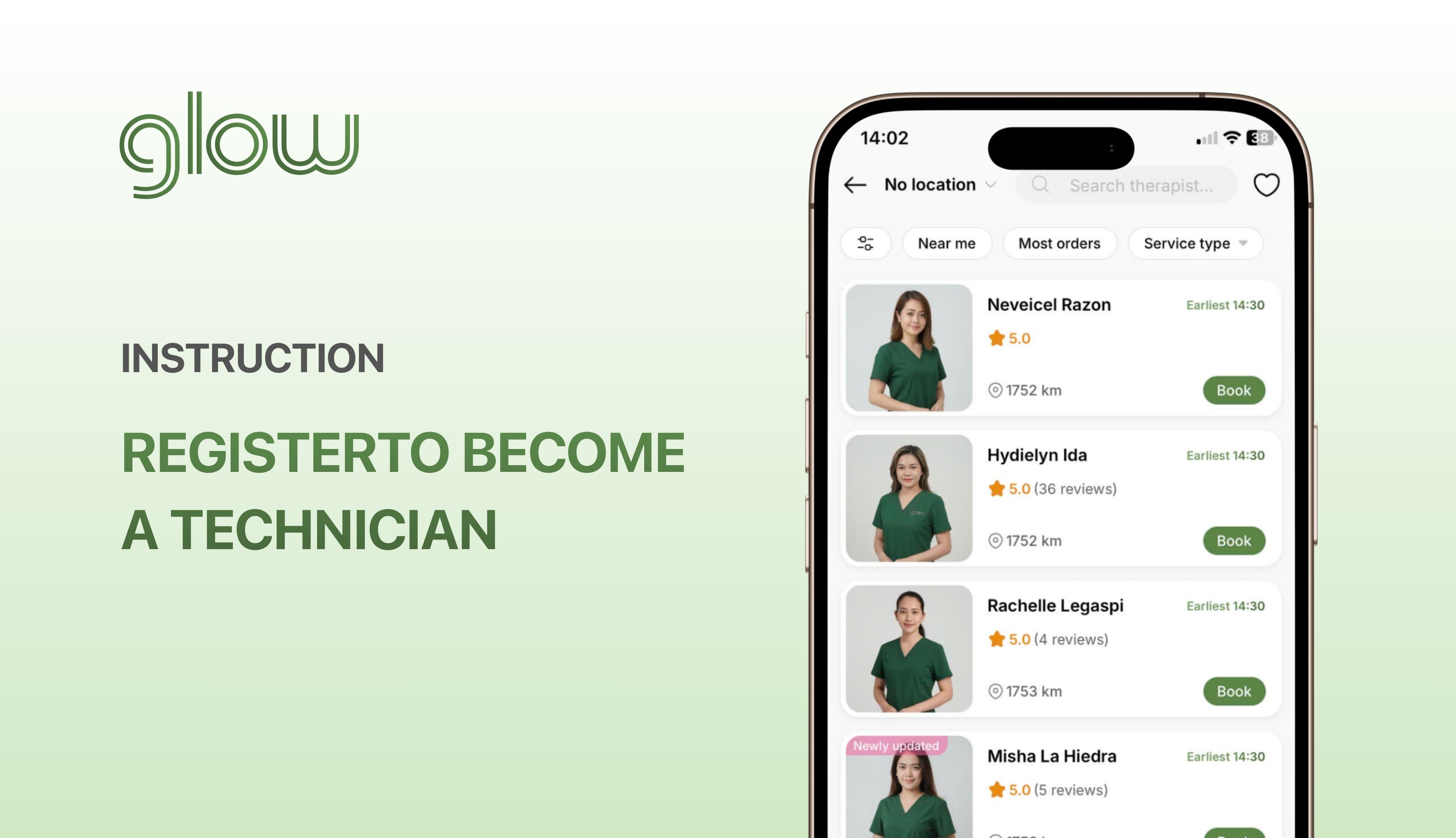
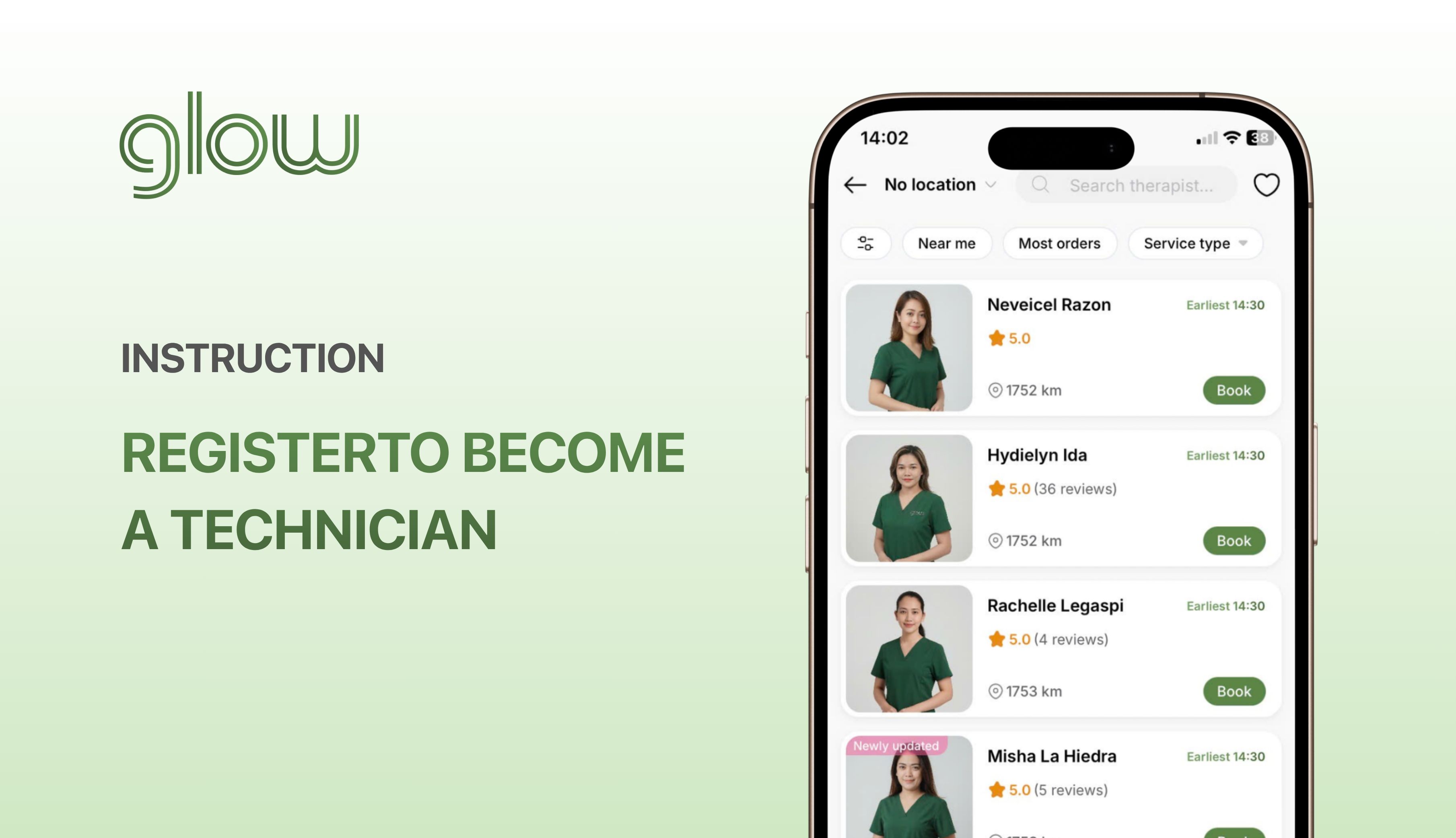
If you haven't already registered as a Technician on Glow, please register by following the instructions here:
👉 Instructions for Registering to Become a Technician on Glow
1. Update availability
Step 1: Go to the Glow App → Tap “Update availability”
Step 2: Select the time and tap “Save availability”
* Note:
- You need to update your availability for your profile to be displayed in the app.
- You can edit your availability after updating it.
2. Detailed Instructions for Receiving Orders
* Note: You need to grant location access to the Glow app so that the system can display orders that match your location.
Step 1: Go to “Orders” → View Order List
Orders are displayed with the following statuses:
- Customer booked you: If you are available, tap “Accept”. If the order status is “Customer booked you”, you do not need to wait for the customer to select a technician.
- New request: Customer has not yet selected a technician. You need to wait for the customer to select if you click “Accept” on the order.
- Expired: Customer has already selected a technician.
Click on the order and carefully read the information.
Step 2: Tap “Accept” for orders you can complete, then wait for the customer to select a technician.
* Note: Only tap “Accept” when you are able to complete the order.
You can accept multiple orders at the same time (provided you are able to complete them).
If an unexpected issue arises, click "Cancel application".
Step 3: Contact the customer when you are selected.
Glow will notify you in the app and may also contact you by phone when the customer selects you.
Click on the order, then confirm the amount to be collected from the customer.
Click "Contact Customer" to send a message (or click the Call button if the customer doesn't reply to messages on the app) to confirm the address and travel time.
If the customer is foreign, use Google Translate.
After completing the order, click "Done" on the Glow app.
Glow is a technology platform that connects you with independent Technicians who provide beauty and personal care services at home. Glow does not provide services, does not employ, and does not train Technicians.