

Understanding Technician Tier Metrics on Glow
Understanding Technician Tier Metrics on Glow
Version: v1.1
Effective date: October 25, 2026
Applies to: Philippines (English version)
Issued by: Operations Team · Glow Philippines
To help Technicians easily monitor their performance, proactively improve their tiers, and optimize their earnings on the platform, Glow provides detailed guidance on the definitions and calculations of tier metrics, as well as the negative Advertising Balance limits applicable to each tier.
All metrics used for tier evaluation are automatically calculated by the system based on activity data from the preceding 30 days.
1. Detailed Explanation of Tier Metrics
1.1. “Connected” Bookings
A booking is recorded by the system as “Connected” in either of the following cases:
-
The Technician accepts a booking for which the Customer has selected the Technician by name.
-
The Technician applies for a booking through the “Orders” section of the App, and the Customer selects that Technician.
1.2. Completed Bookings
These are bookings that are eligible for completion within the preceding 30 days, including the following two cases:
-
The Technician proactively taps the “Completed” button in the App after providing the Service.
-
The system automatically records the booking as completed when the Technician does not mark it as completed within 24 hours from the time the booking moves to “Connected” status.
1.3. Order Cancellation Rate
This metric reflects the Technician’s level of commitment to accepted bookings.
Calculation formula:
Order Cancellation Rate = (Number of bookings cancelled by the Technician + Number of bookings cancelled by the Admin) ÷ Number of Connected bookings × 100%.
Recording rules:
-
Only bookings that entered “Connected” status within the preceding 30 days are considered.
-
Numerator: Includes bookings that were connected and subsequently cancelled by the Technician or the Admin. Bookings cancelled by the Customer are excluded.
-
Denominator: All bookings that entered “Connected” status within the preceding 30 days, including both completed and cancelled bookings.
-
If the Technician has no Connected bookings, the Order Cancellation Rate defaults to 0%.
Example: In the preceding 30 days, a Technician has 40 Connected bookings, of which 4 were cancelled by the Technician and 2 were cancelled by the Admin. The Order Cancellation Rate is therefore (4 + 2) ÷ 40 × 100% = 15%.
1.4. Average Rating
The arithmetic mean of the star ratings given by Customers to the Technician over the preceding 30 days.
2. Technician Tier Requirements and Benefits
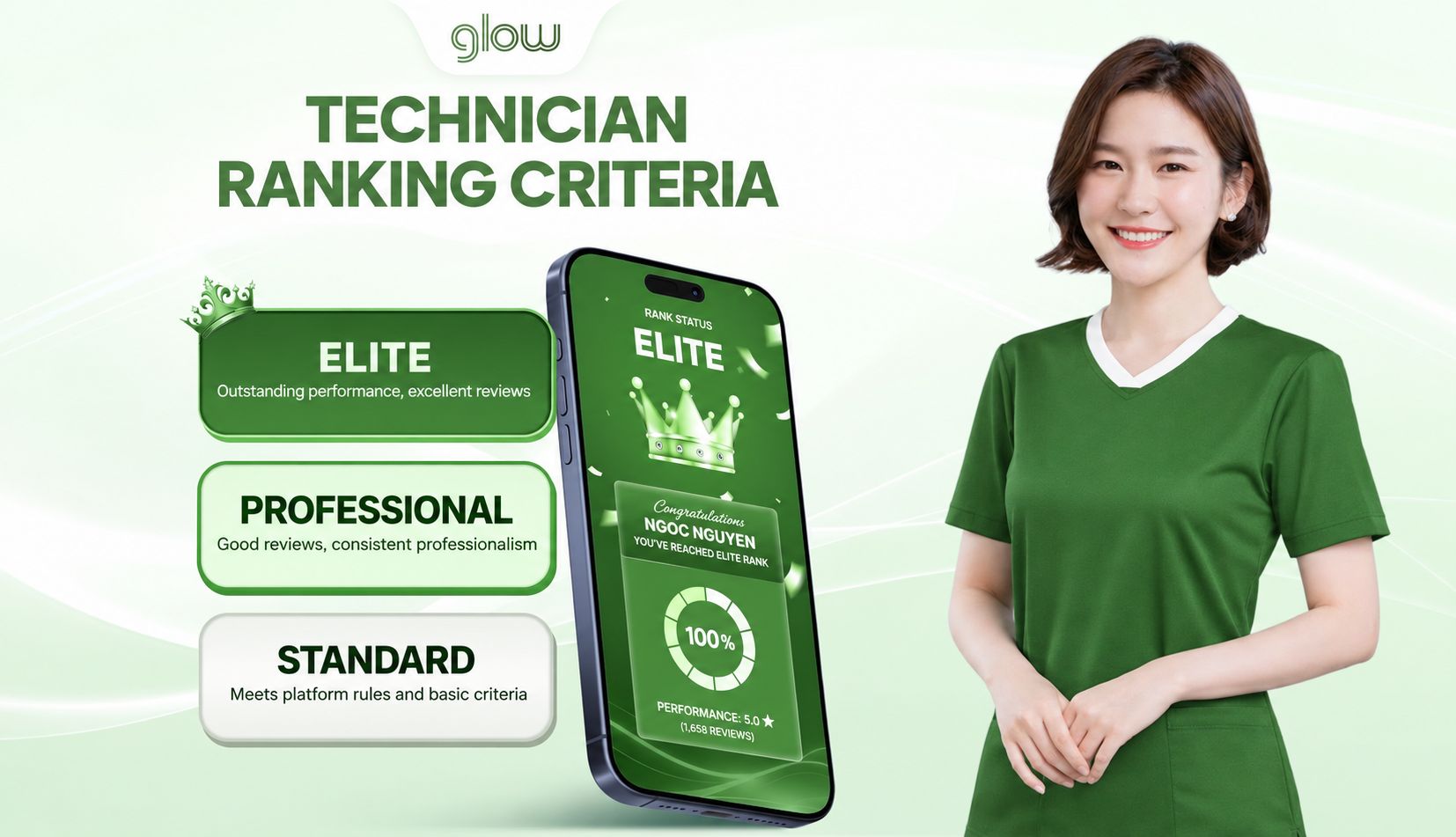
The system evaluates Technician rankings based on activity data from the preceding 30 days, with three tiers as follows:
2.1. Elite Tier
-
Tier requirements (all three criteria must be met simultaneously): At least 30 completed bookings (≥ 30 bookings), an Order Cancellation Rate of less than 20% (< 20%), and an Average Rating of more than 4.5 stars (> 4.5 stars).
-
Advertising Fee per booking: 25% of the value of each completed booking.
-
Profile visibility benefit: The Technician’s profile displays a prominent “Quality” tag.
2.2. Professional Tier
-
Tier requirements (all three criteria must be met simultaneously): At least 15 completed bookings (≥ 15 bookings), an Order Cancellation Rate of less than 30% (< 30%), and an Average Rating of at least 4 stars (≥ 4 stars).
-
Advertising Fee per booking: 33% of the value of each completed booking.
-
Profile visibility benefit: Standard profile visibility.
2.3. Standard Tier
-
Applicable conditions: The default tier for newly activated accounts or accounts that have not yet met the requirements for a higher tier.
-
Advertising Fee per booking: 33% of the value of each completed booking.
-
Profile visibility benefit: Standard profile visibility.
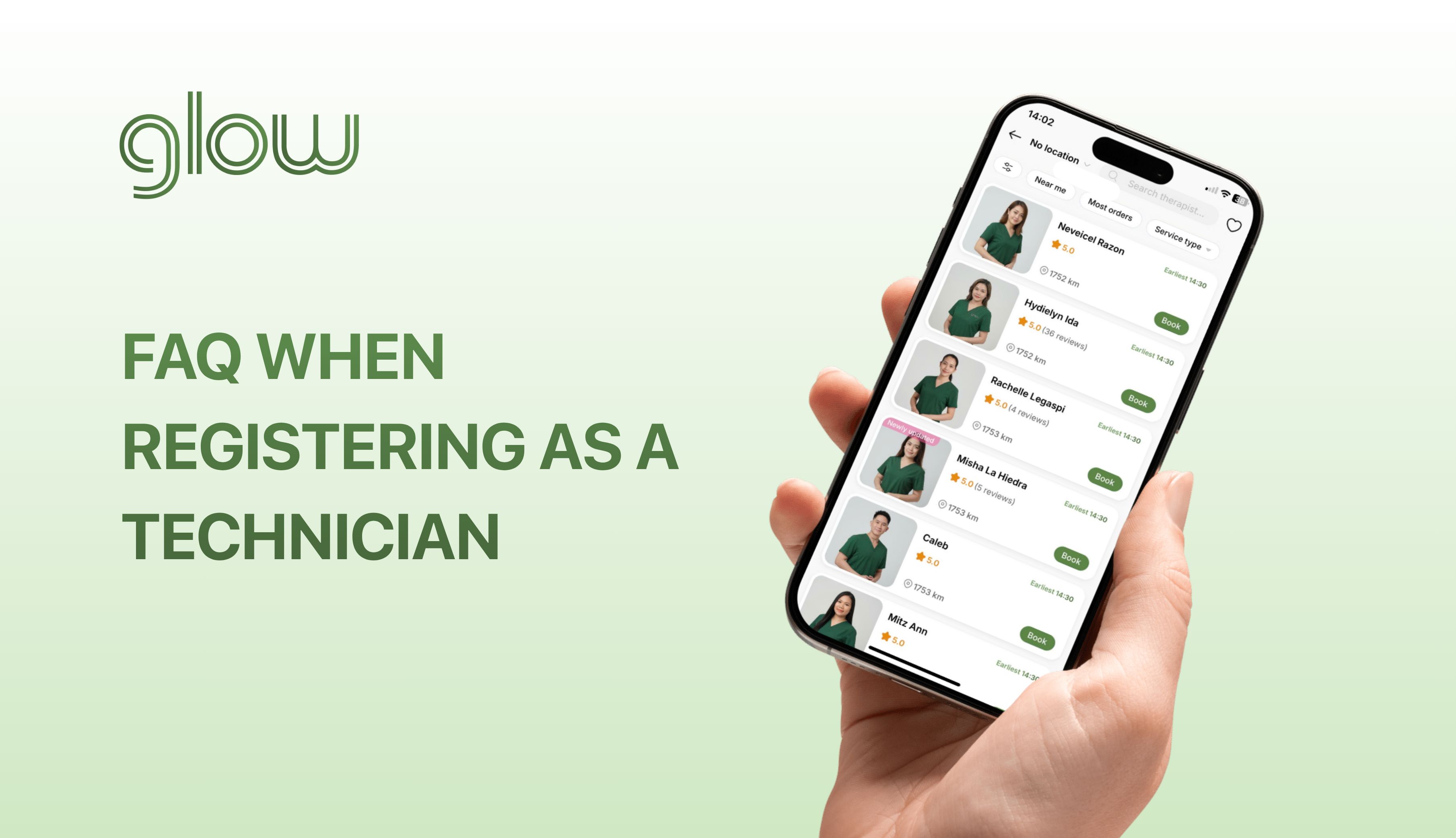
3. Technician Display Priority in the App
When Customers search for a service, the list of Technicians is arranged based on three key criteria: whether the Technician is currently within their registered availability, proximity to the Customer, and the number of completed bookings.
The sorting rules for each filter in the App are as follows:
-
Default filter: The system prioritizes Technicians who are currently within their registered availability, then sorts them by distance from the Customer, from nearest to farthest.
-
Most orders filter: The system prioritizes Technicians with the highest number of completed bookings. If two or more Technicians have the same number of completed bookings, those currently within their registered availability are prioritized. If they are still tied, the Technician closest to the Customer is prioritized.
4. Negative Advertising Balance Limits
When a Technician’s Advertising Balance becomes negative and reaches or exceeds the applicable negative balance limit for their current tier, the system will temporarily restrict the Technician’s ability to apply for bookings. The system checks the balance as soon as the Technician taps the “Apply” button.
This restriction remains in place until the Technician tops up their Advertising Balance to fully settle the negative amount, restoring the balance to zero or above (≥ 0).
In the Philippines, the maximum negative Advertising Balance limits applicable to each tier are as follows:
-
Standard Tier: -200 PHP
-
Professional Tier: -1,000 PHP
-
Elite Tier: -2,000 PHP
👉 Review the general tier policy: Technician Tiers on the Glow App
Glow is a technology platform that connects you with independent Technicians who provide beauty and personal care services at home. Glow does not provide services, does not employ, and does not train Technicians.