

Instructions for Registering to Become a Technician on Glow
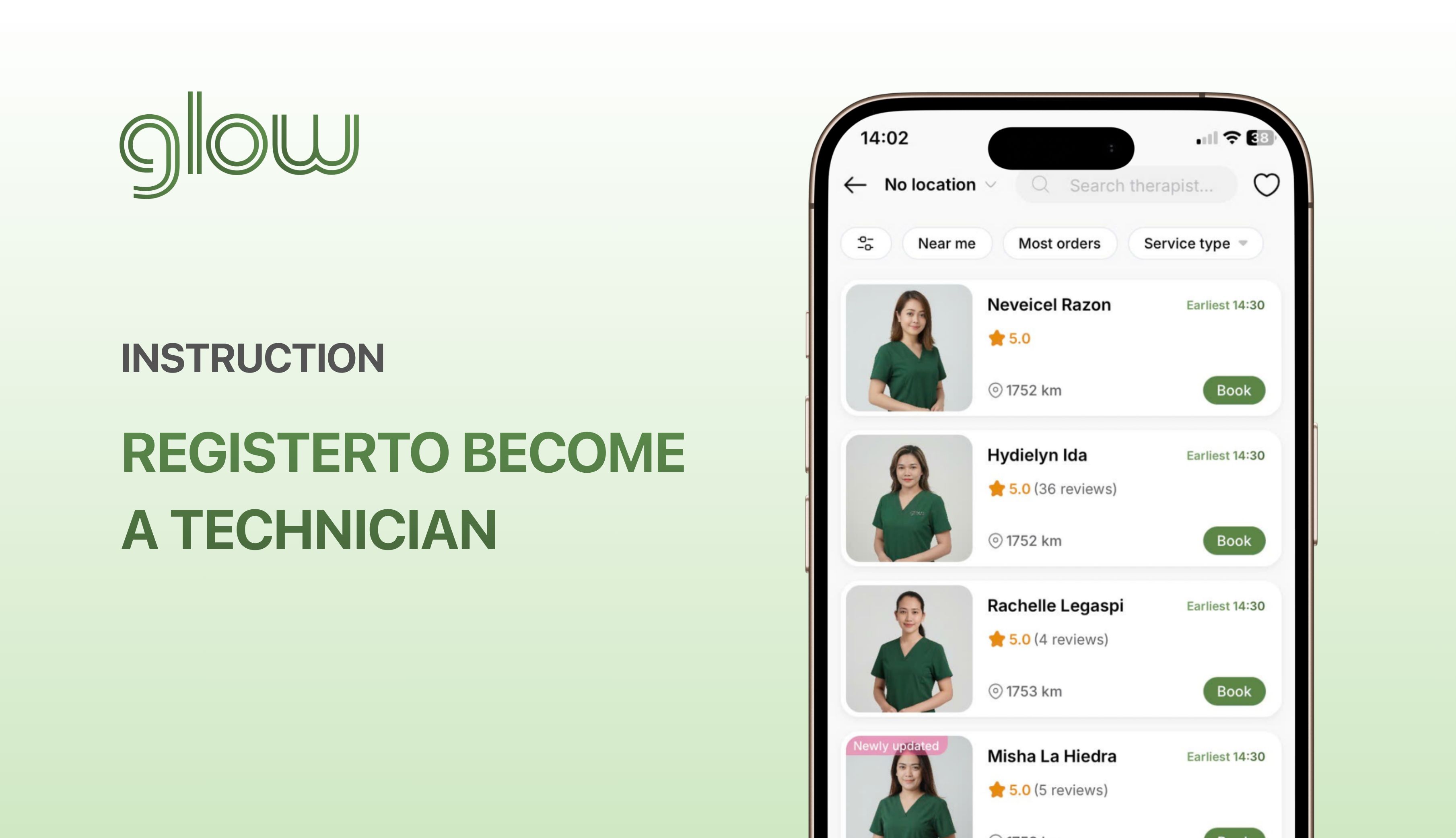
Instructions for Registering to Become a Technician on Glow
Version: v1
Effective from: 05/08/2026
Applies to: Philippines (English version)
Issued by: Operations Team · Glow Philippines
1. Profile Registration
Step 1: Download the Glow app → Register or log in to your account
Step 2: Go to the “Account” section → Select “Become a Technician on Glow”
Step 3: Add complete profile information
Profile requirements:
a. Personal Photos
Photos must meet the following requirements:
- At least two photos: one profile photo and one customer-facing photo
- Do not use fake or AI-generated images, revealing photos, or ID-style photos
- Do not wear sunglasses or a mask, and do not cover your face
- Photos must not include other people or animals
b. Self-Description
Do not include personal contact information (e.g., phone number, address, or social media accounts) or sensitive or pornographic content.
After adding all the information, click “Continue”.
Step 4: Select the service offered → Click “Confirm”
2. Profile Verification
To receive orders, you need to verify your identity.
To verify your identity, follow these steps:
Step 1: Take photos of both sides of your Citizen Identification Card.
Step 2: Enter all the verification information.
Step 3: Add a portrait photo holding your ID card.
* Note: Use your own ID card and upload a clear photo that shows all required information.
Click “Verify”. When the screen displays the message “We are verifying your information”, your submission is complete.
After submission, Glow will review your profile within 24 business hours.
After your application is approved, please see the onboarding instructions at:
👉 How to Receive Orders on the Glow App
Glow is a technology platform that connects you with independent Technicians who provide beauty and personal care services at home. Glow does not provide services, does not employ, and does not train Technicians.